At a glance
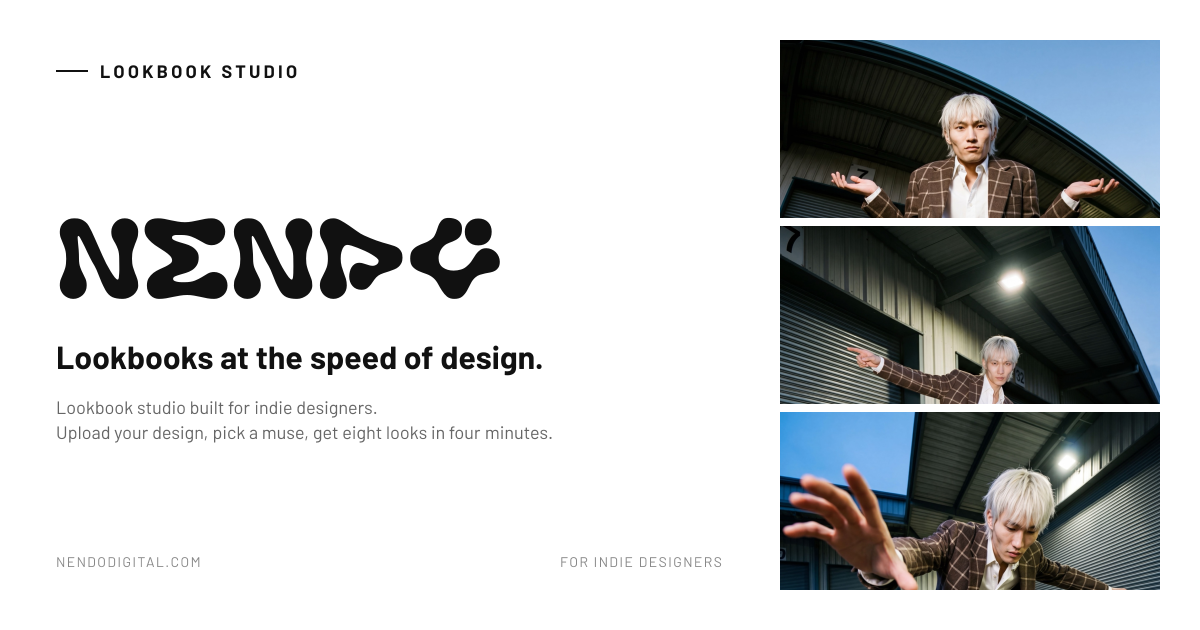
Where it started
A fashion designer told me she'd just paid $5k for a photoshoot. The sample wasn't even confirmed for the final collection yet. The photos came back three weeks later. By then the design had changed.
So I talked to more designers, and I kept hearing the same thing. They needed photos before the sample even existed, for buyers, for Instagram and for pitch decks. But the shoot never lined up with the design timeline, so they were either spending money they didn’t have, or going ahead with no photos at all.
That’s the gap I wanted Nendo to fill. It doesn’t replace the final shoot. It covers the bit before it, those three weeks where you need to see the garment on a person but you don’t have a sample yet.
What I built
The brief I gave myself was simple: you put in a flat-lay photo and you get a finished lookbook back. You shouldn’t have to write prompts, pay for a subscription, or understand anything about the AI doing the work.
You upload your design, pick a model (or one you’ve saved before), choose editorial or streetwear, and hit generate. Eight looks and a 360° turnaround come back in under four minutes, and you can download them all as a high-res ZIP.
I also skipped subscriptions. Fashion works in drops, not monthly cycles, so it felt wrong to charge every month. Instead you buy credit packs when you need them. That one decision cut down churn conversations by about half.
What the product generates
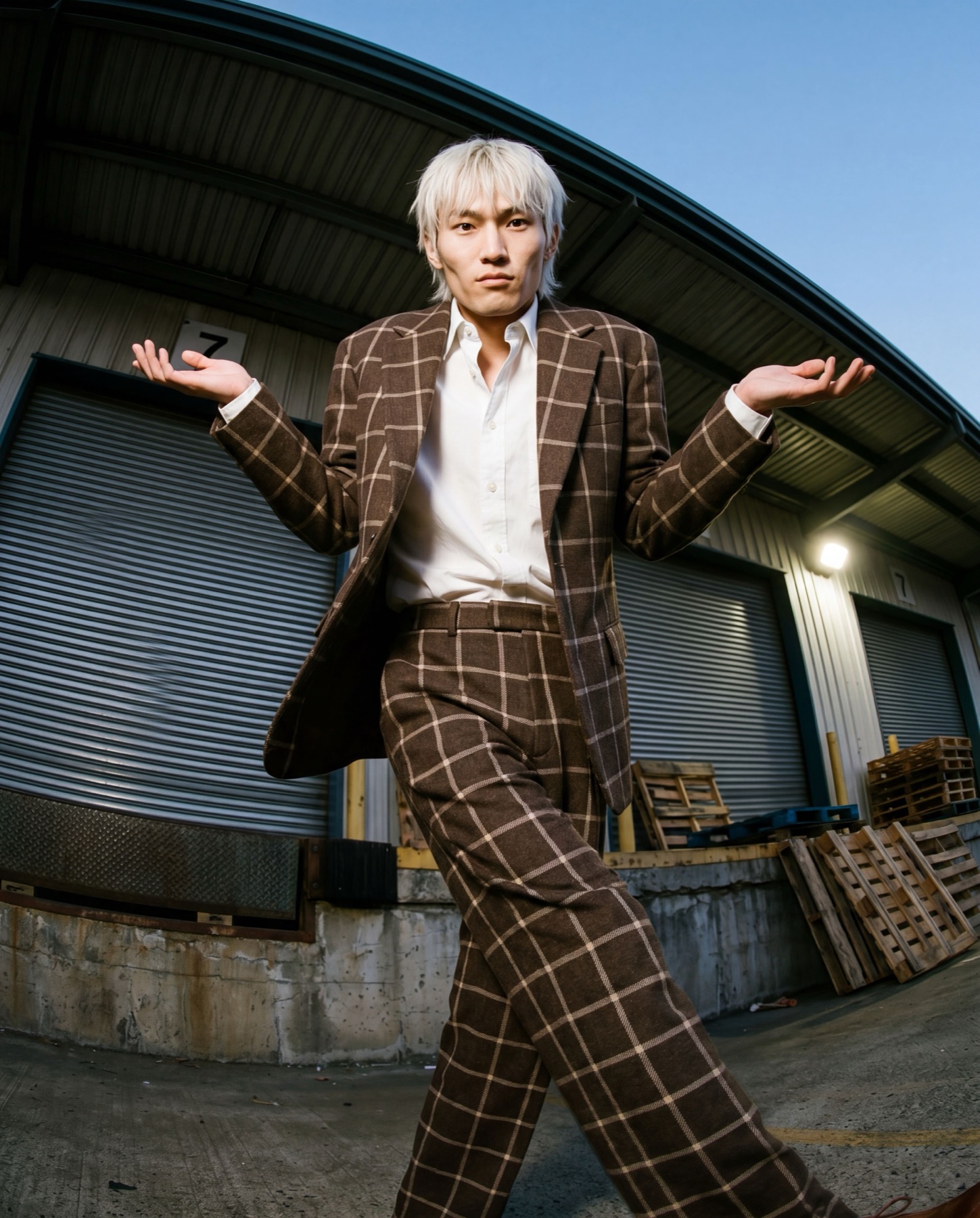
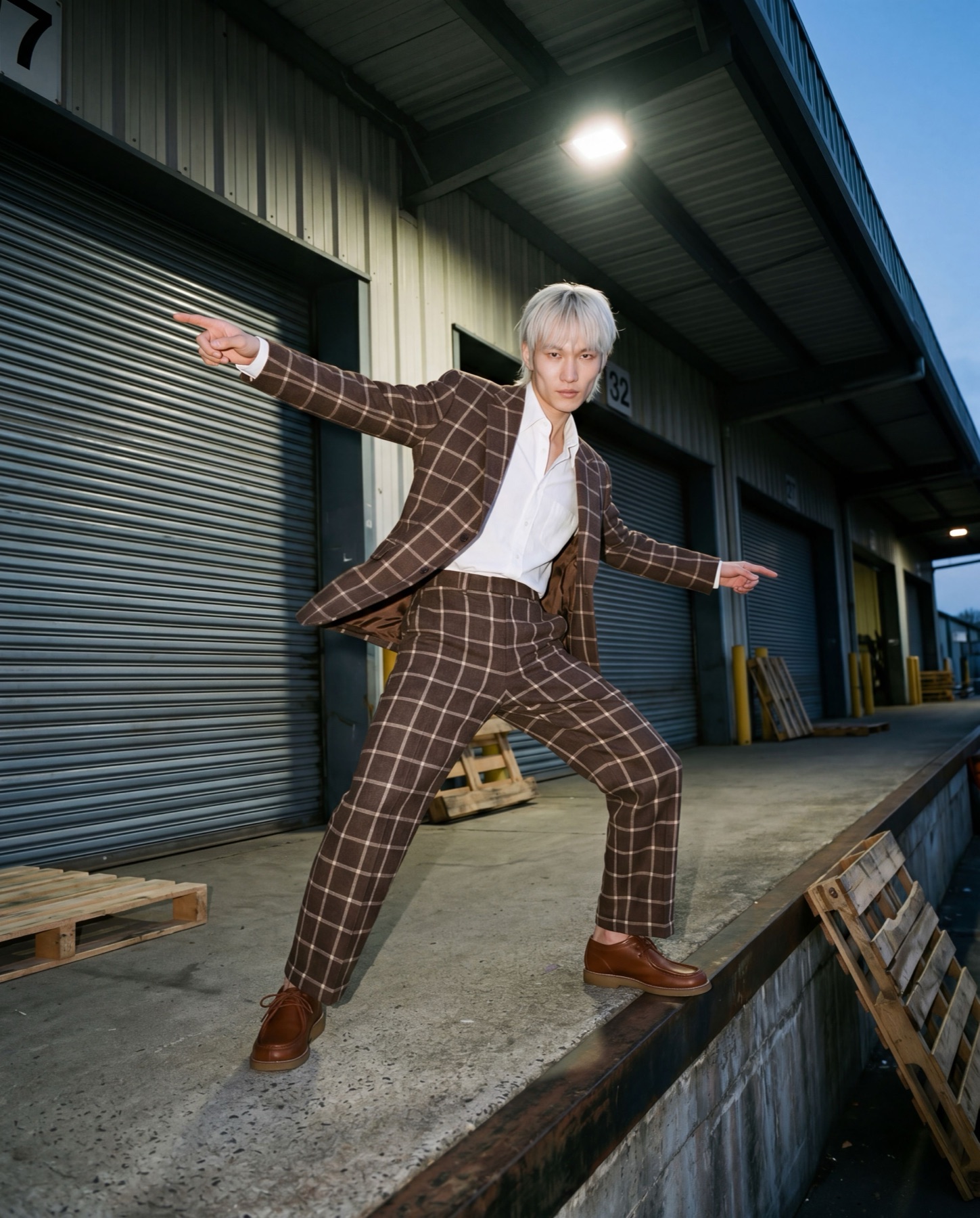
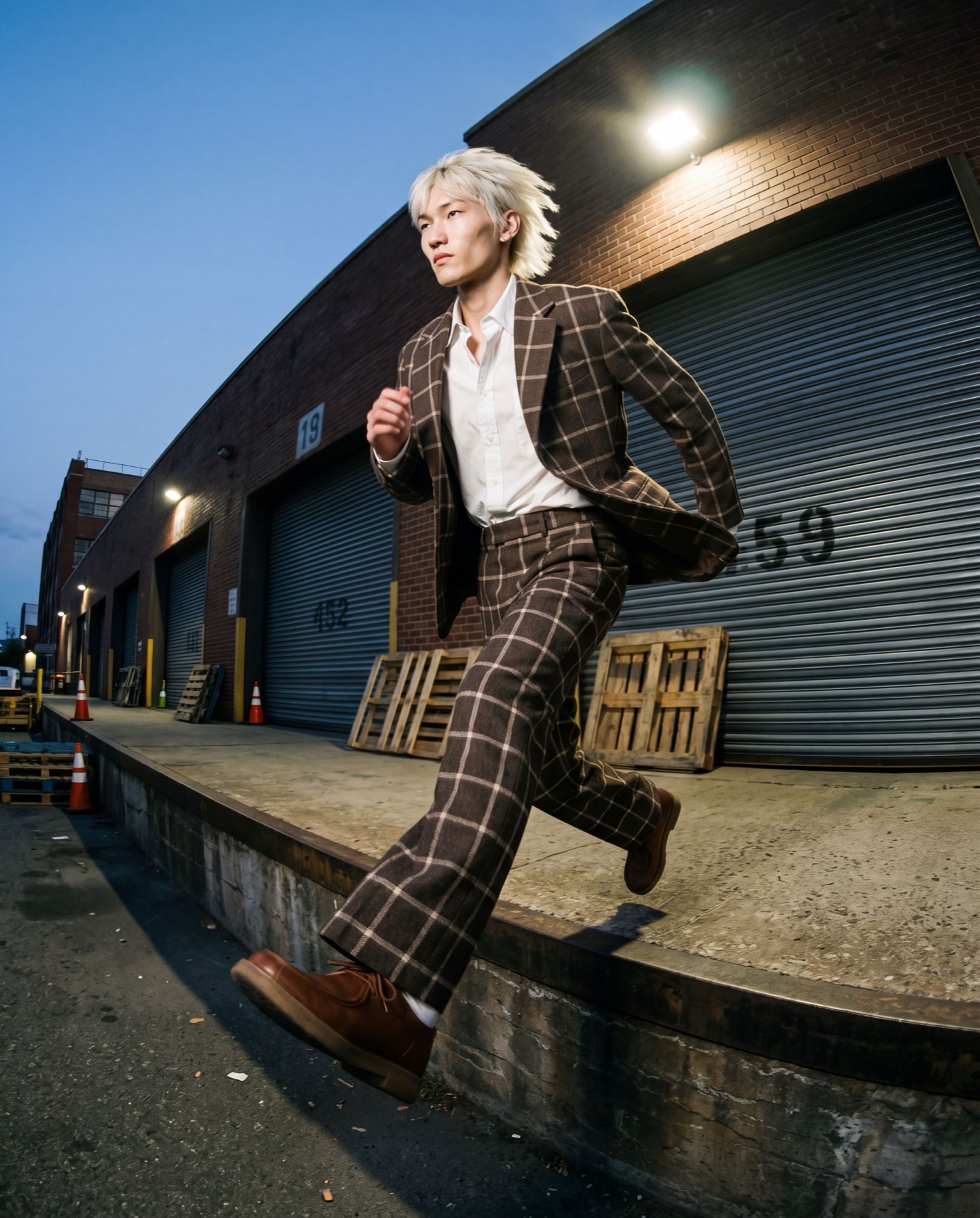
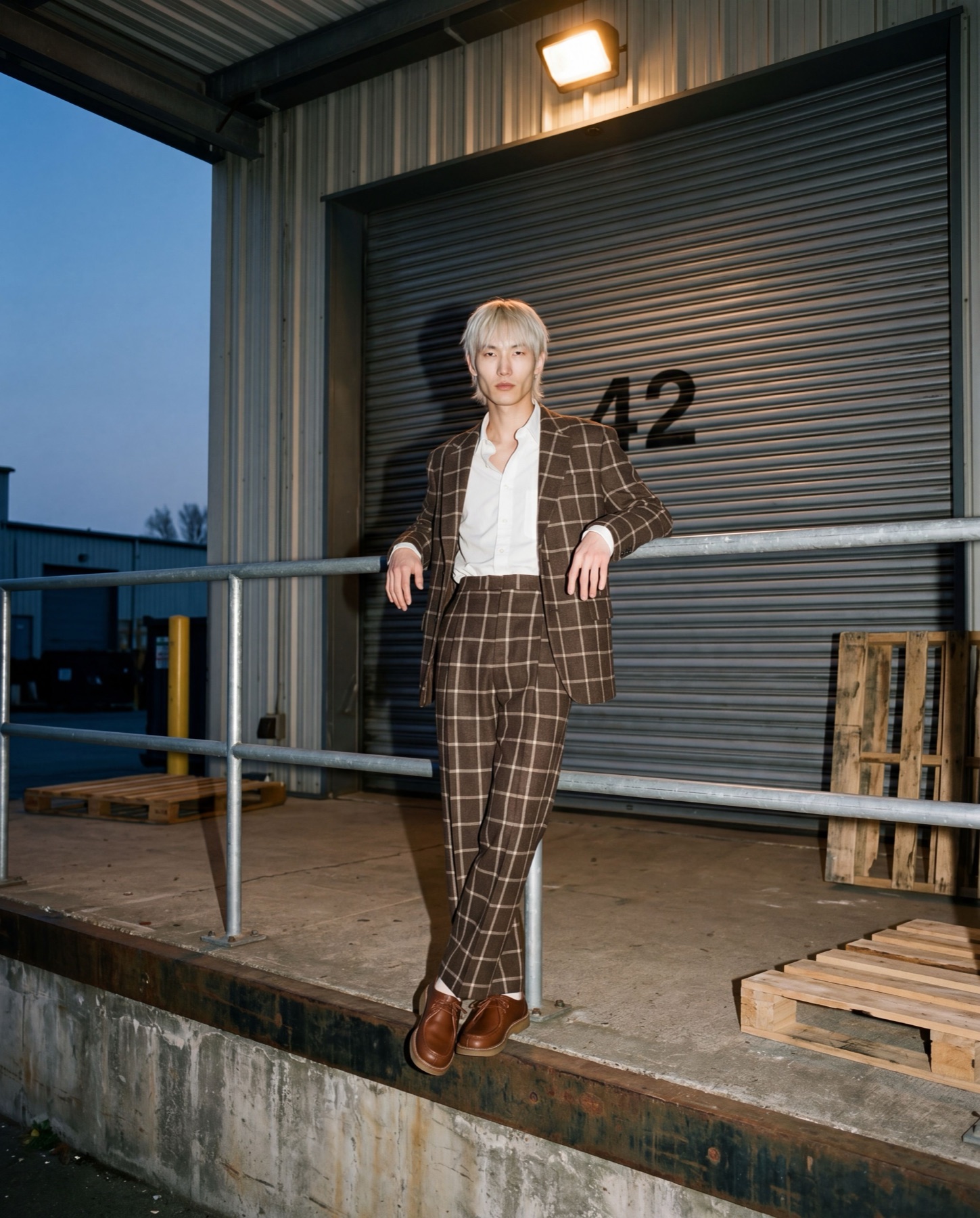
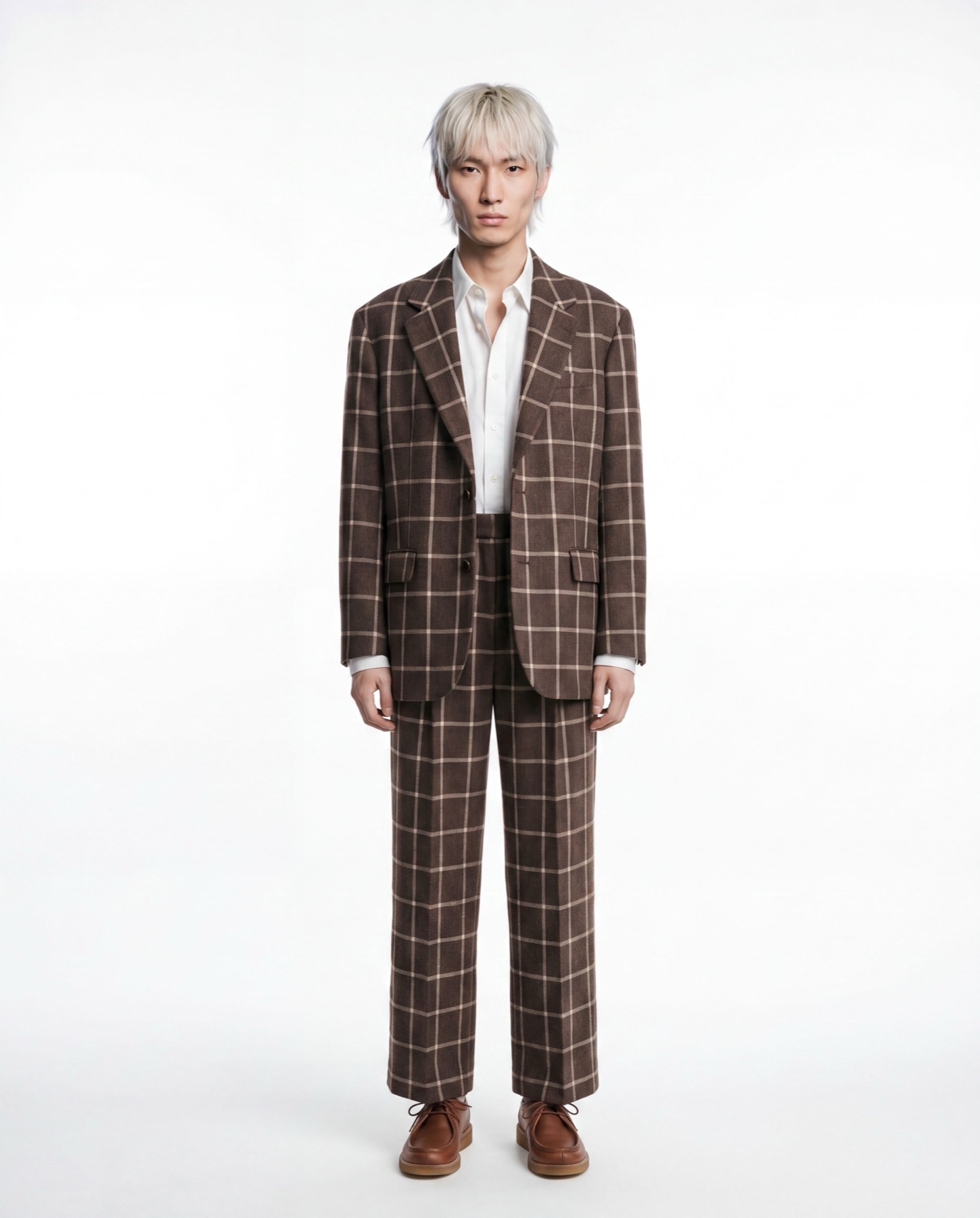
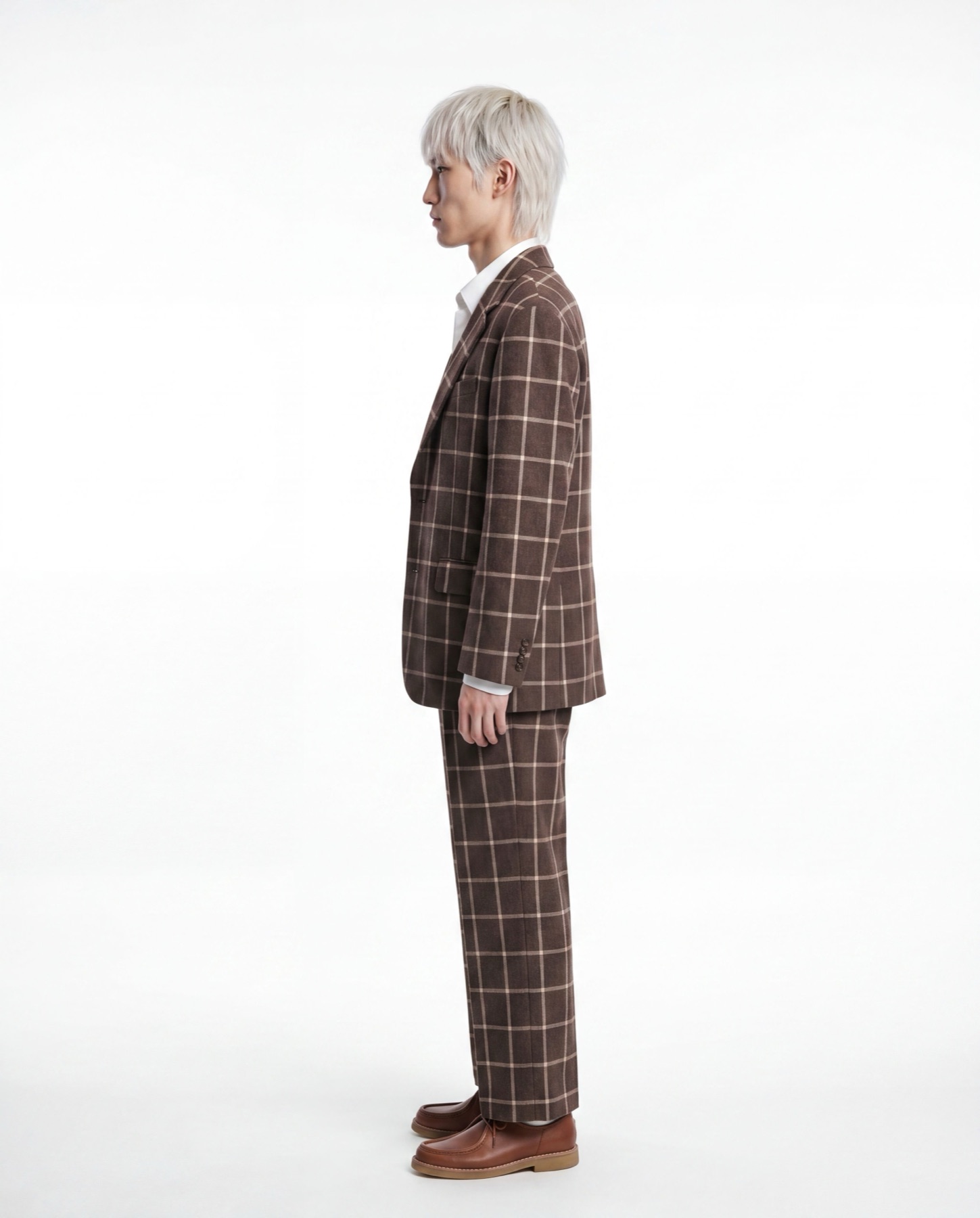
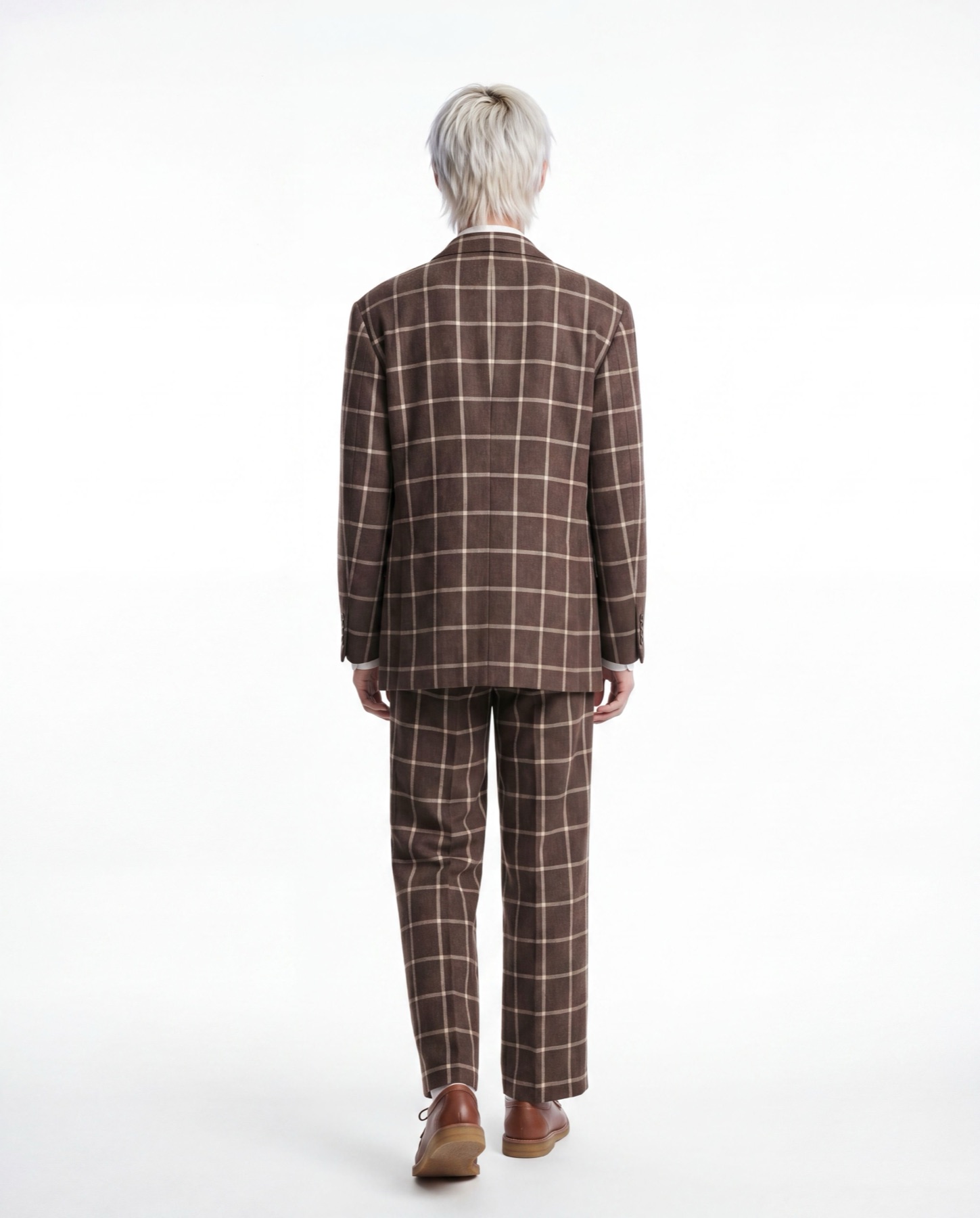
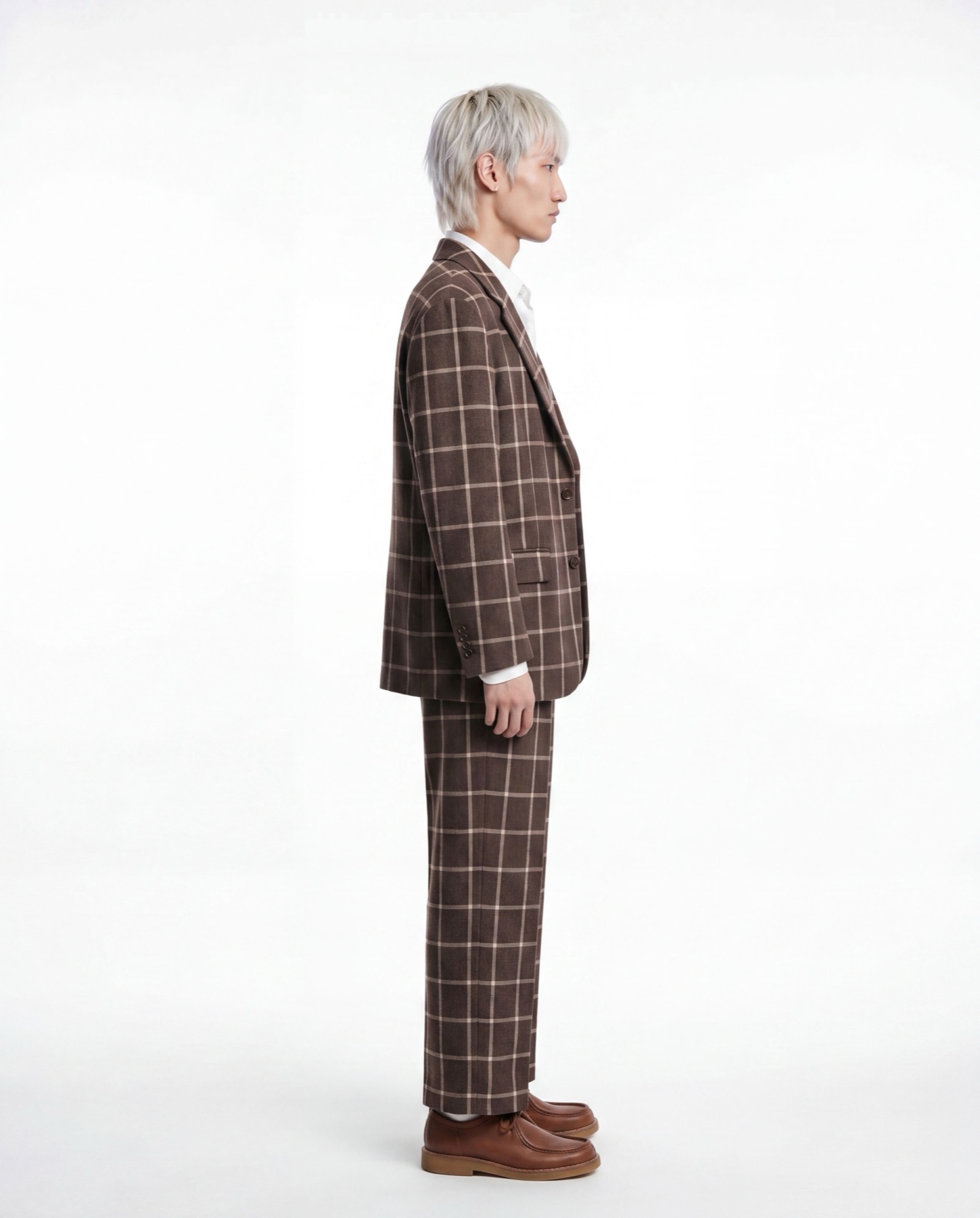
Same muse, same garment,
4 of 8 editorial poses shown
Silhouette review
A design decision I'm proud of
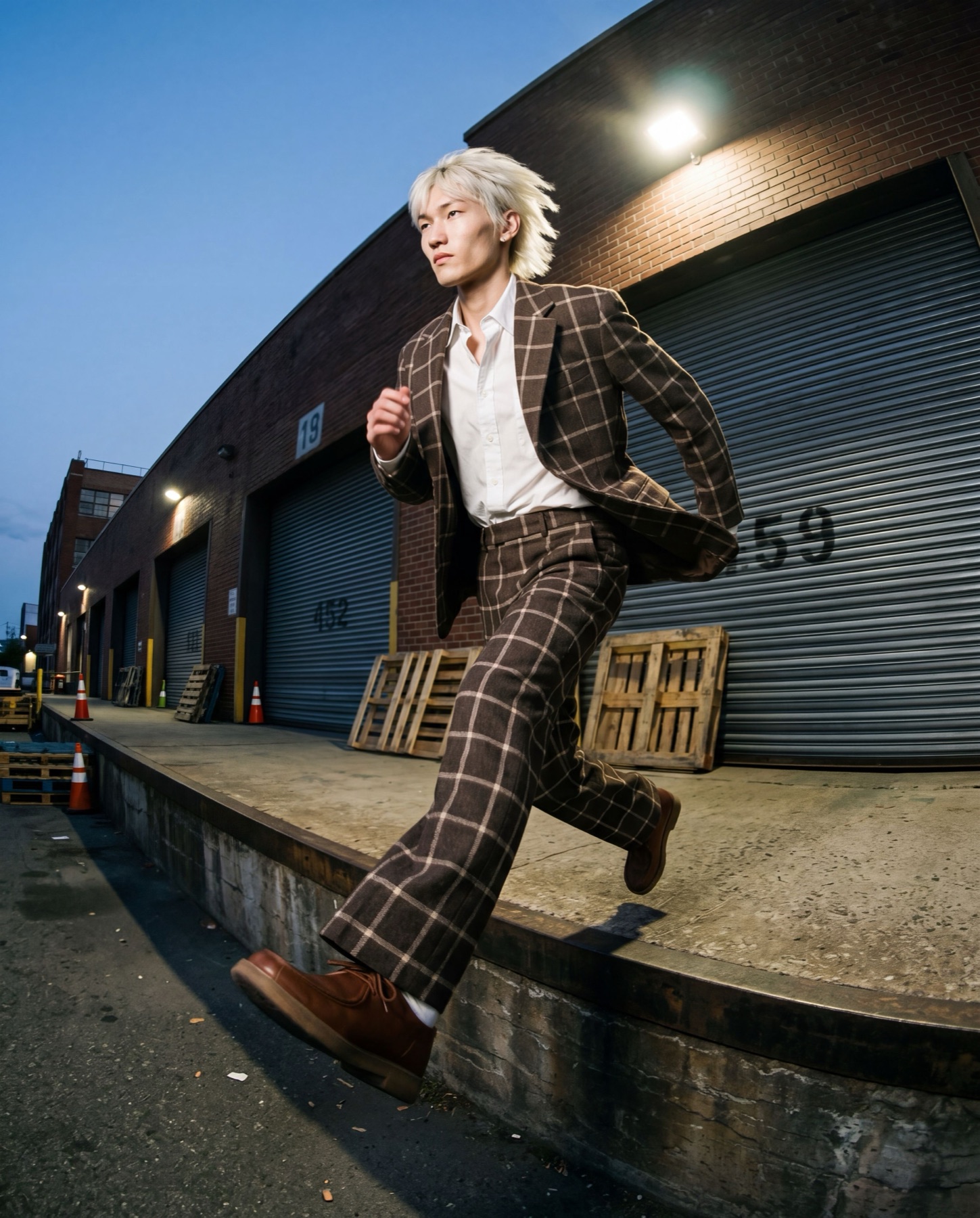
Early users kept asking me, “can I see it in streetwear?” They didn’t want cleaner studio shots. They wanted a totally different setting, because they were pitching to a different kind of buyer.
So I made styles a proper part of the product. You keep the same model, the same garment and the same brief. Editorial gives you clean studio shots, and streetwear gives you more movement, a wider lens and a city background. It’s one extra click, and the garment looks quite different in each one.
That feature changed what designers could pitch, and who they could pitch it to.
The hardest part
Behind the scenes there’s a lot going on: image conditioning, pose estimation, IP-adapters, ControlNet. But a fashion designer shouldn’t have to see or think about any of that.
So the hardest part of the design was deciding what not to show. There are no sliders, no model settings and no prompt box. You describe the garment, pick the model and press go.
Every time I wanted to add a control, I asked myself whether the designer actually needed it, or whether I was just showing off what the tech could do. Most of the time I took it out.
The part I’m proudest of is the Tweak button. You type something like “open the jacket” or “shorter hem” and it changes just that one look, without redoing the whole set. It took me three tries to get that right.
Honestly, the easiest way to understand Nendo is to try it yourself.