
At a glance
(Credit)
I worked on this project as a UX/UI designer at Charles Elena, the agency that created it for The Salvation Army Australia. The project belongs to Charles Elena and its client. This page is about my part in it and what I learned.
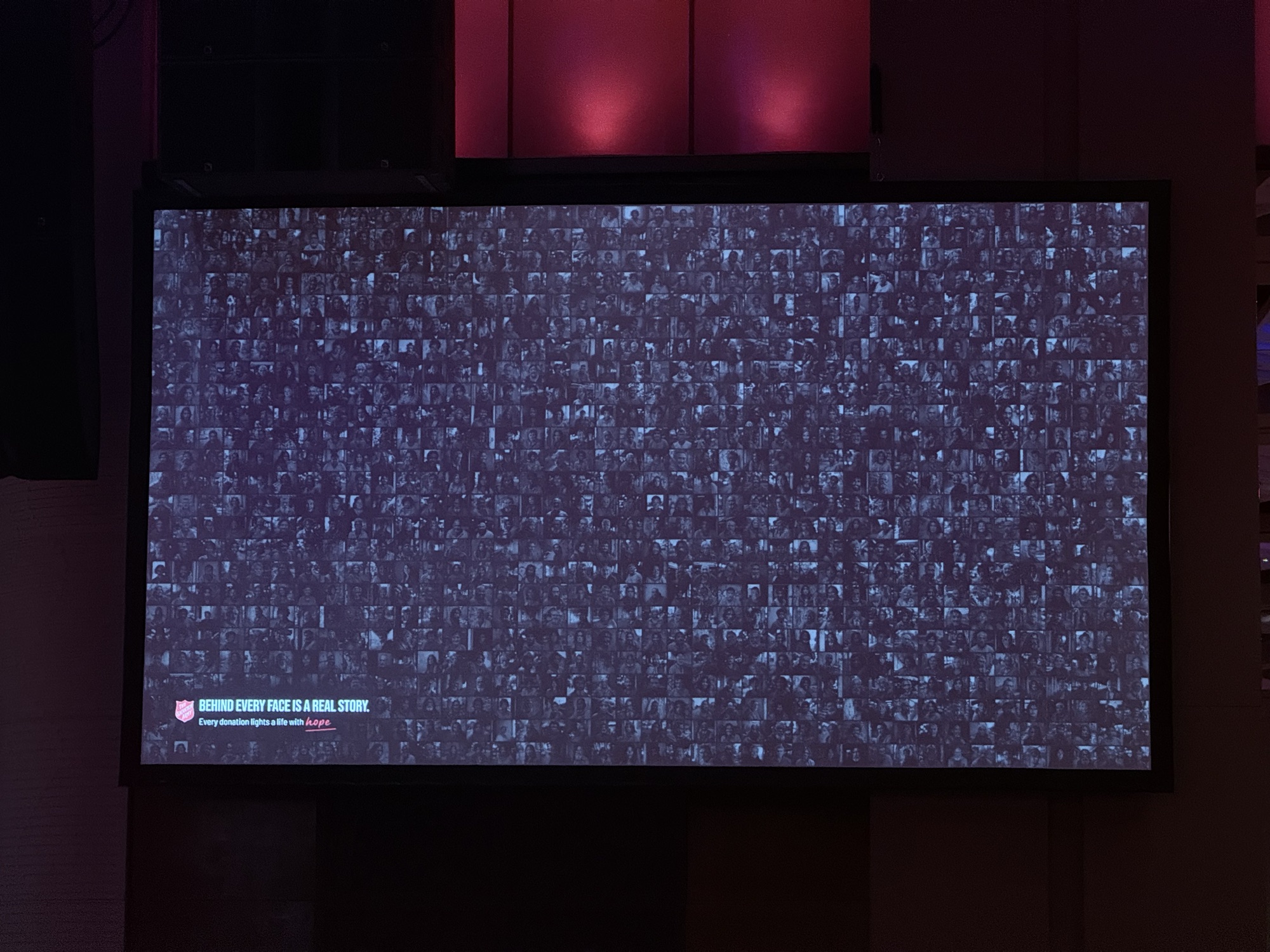
999 AI-generated portraits · grayscale until a donation lands
The actual installation, running live, 999 grayscale faces lighting up in colour as donations land.
Donation matching mode
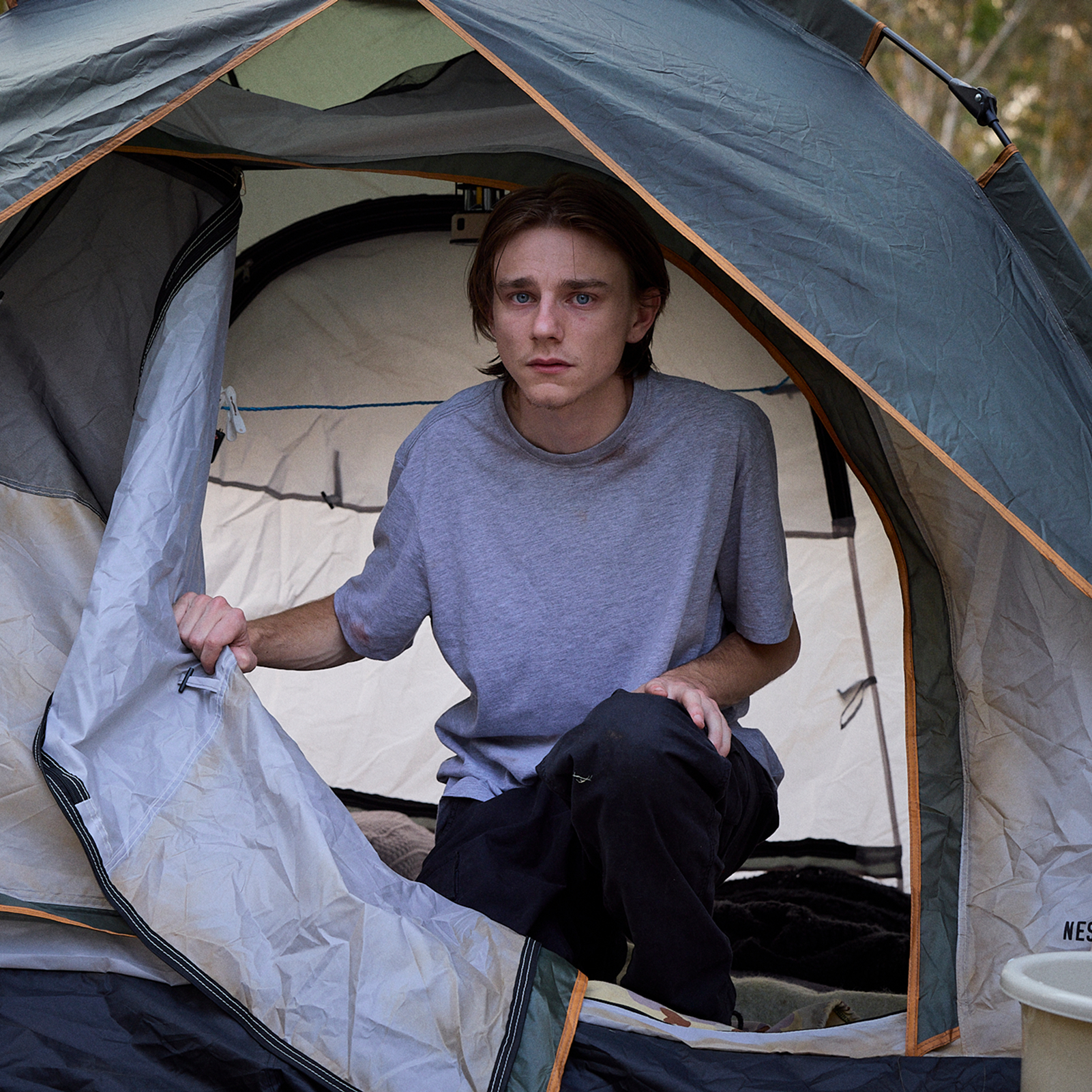
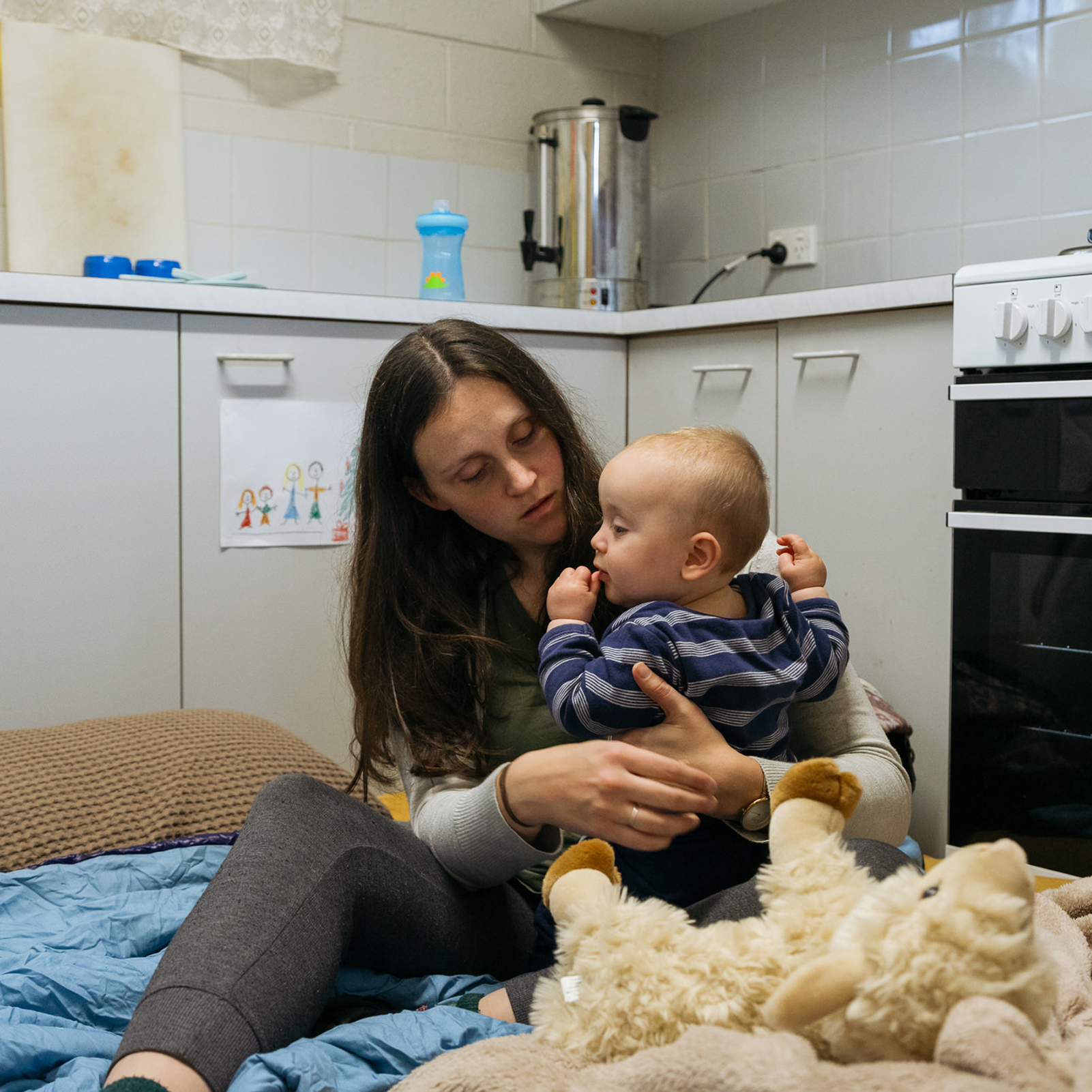
When matching mode is on and a gift gets matched, a real documentary photo fills the screen, like a young man in a tent, or a mum and her baby on a kitchen floor. I wanted people to see who’s behind the numbers. The operator controls it from the admin panel in the next tab.
The brief
This was for the Salvation Army’s fundraising gala in Sydney, Melbourne and Brisbane in 2026. The room was full of people who’d already decided to give. I was working at Charles Elena at the time, and the brief was to take the usual fundraising thermometer and put a human face on it, literally.
So instead of a progress bar or a ticker, I wanted something that showed how big homelessness in Australia actually is, and what it means when one donation comes in.
The idea came pretty quickly: 1,000 grey faces, and every donation turns one of them into colour. By the end of the night, you can see every person the room helped.
The hard part
Stock photos weren’t going to work. You can’t show who is actually homeless in Australia with a Getty image library. And hiring photographers and models wasn’t possible in two weeks on an event budget.
So I used AI image generation. But instead of just asking for 1,000 portraits, I started with the ABS 2021 Census of Population and Housing. I pulled the real homelessness data and built a prompt system from it.
Every one of the 1,000 prompts is different, so each portrait is a genuinely different person. Each one has 15+ set details: age, ethnicity (21 groups weighted to the census), body type, hair, eyes and skin, expression, clothes for the season, background, lens, framing and lighting.
“The target for Aboriginal and Torres Strait Islander representation was 20%, and we landed on 20.3%. That came from treating it as a data problem first, not just a design one.”
Generating all 1,000 images at 1K resolution on Replicate cost about $80 AUD in total.
What got built
The AV team at a charity gala aren’t software engineers, so it had to be really easy to set up and run.
The wall: the big screen
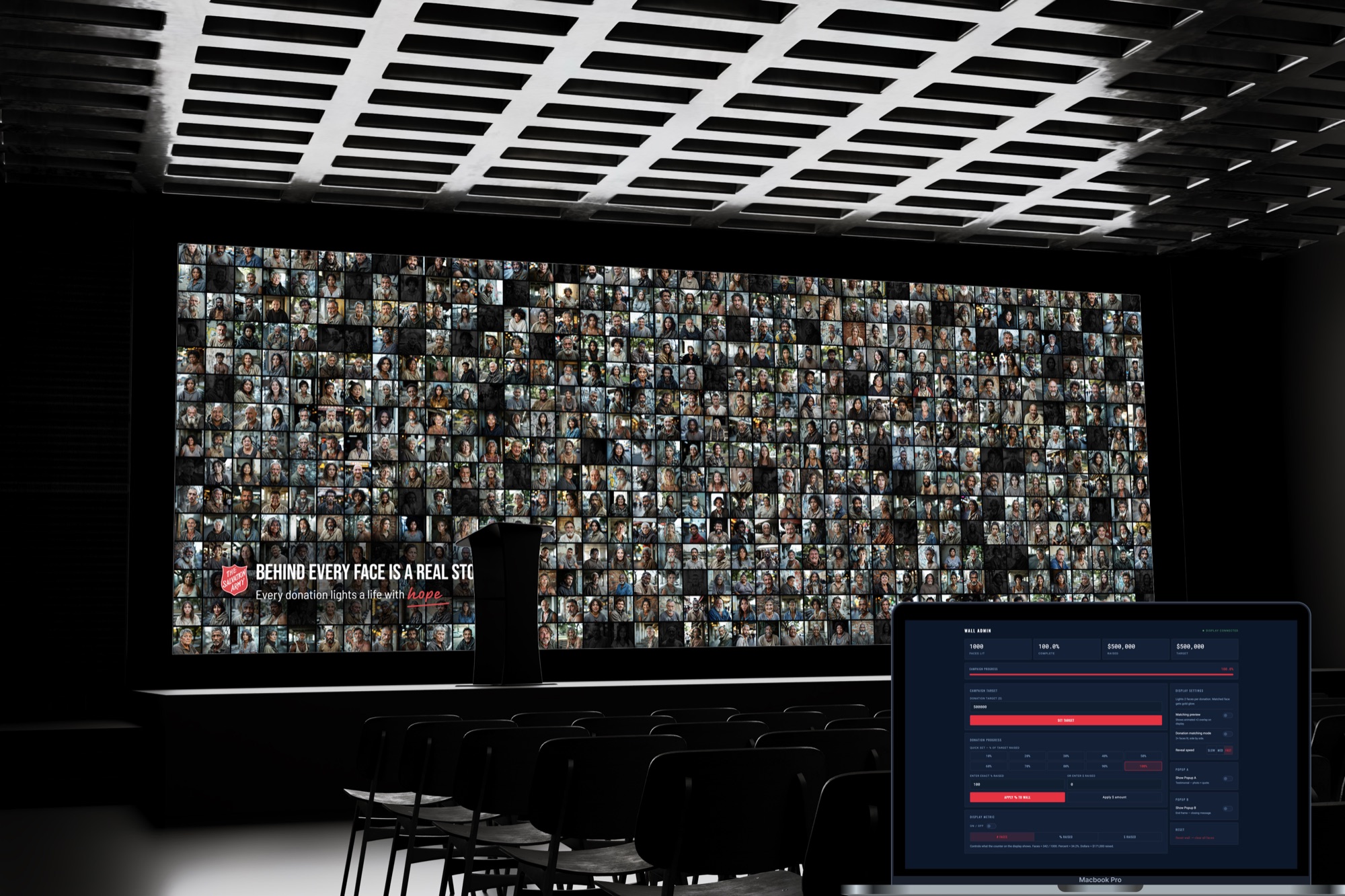
A 40×25 grid of 1,000 grey portraits. When a donation comes in, a face slowly fades into full colour over 3.2 seconds. The order is shuffled every time it loads, so the colour spreads randomly across the wall instead of filling up like a loading bar. When a gift is matched, a second face lights up with a soft blue pulse.
The remote: the operator panel
A second tab on the operator’s laptop. I designed it so someone holding a mic and a run sheet could use it with one hand. You can bump the total with a big percentage button, type an exact number, or enter the dollar amount. You can also turn on matching mode, show a story photo, or switch to the idle screen. A green dot tells you the wall is connected. It doesn’t need a network or a server, and it takes under 100ms from click to colour.
Batch Studio: the tool I built to build it
Clicking “generate” 1,000 times in Replicate would have taken weeks, so I built my own bulk generator. It runs prompts in batches, tells you the cost before you spend anything, downloads everything as ZIPs, lets you reject and redo images, and has the census preset built in. Charles Elena still uses it on other projects.
The technical decision I'm proud of
Gala venues are often basements, old heritage buildings or ballrooms where the wifi is hit and miss. So early on I decided it couldn’t rely on the internet at all.
The admin panel and the big screen talk to each other using the BroadcastChannel API. It’s a browser feature that lets two tabs on the same computer send messages instantly, without a server or a network. It responds in under 100ms and works offline.
On the night, the internet went down twice, and the wall kept running fine.
I delivered it as one ZIP file. You unzip it onto a USB and open two tabs. There’s nothing to install and no accounts to set up. The AV operator ran it using a written setup guide.
The numbers
Seen in the wild
In 2026 the wall went live at the Red Shield Appeal, the Salvation Army’s main fundraising gala, in Sydney, Melbourne and Brisbane. I was invited to the Melbourne night. I stood at the back and watched it fill the screens, lighting up face by face as donations came in. Seeing something I built actually doing its job in the room was a really good feeling.
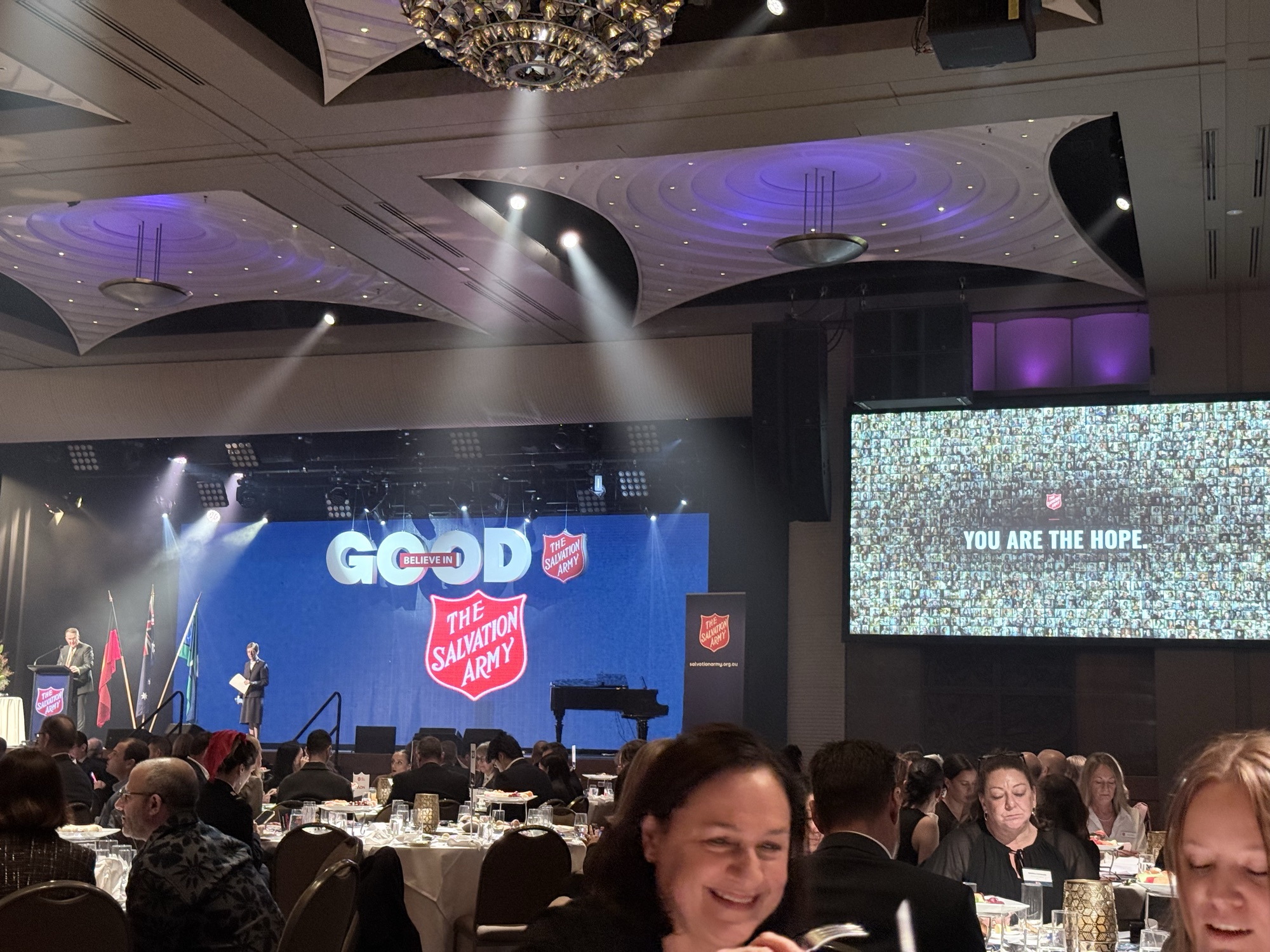
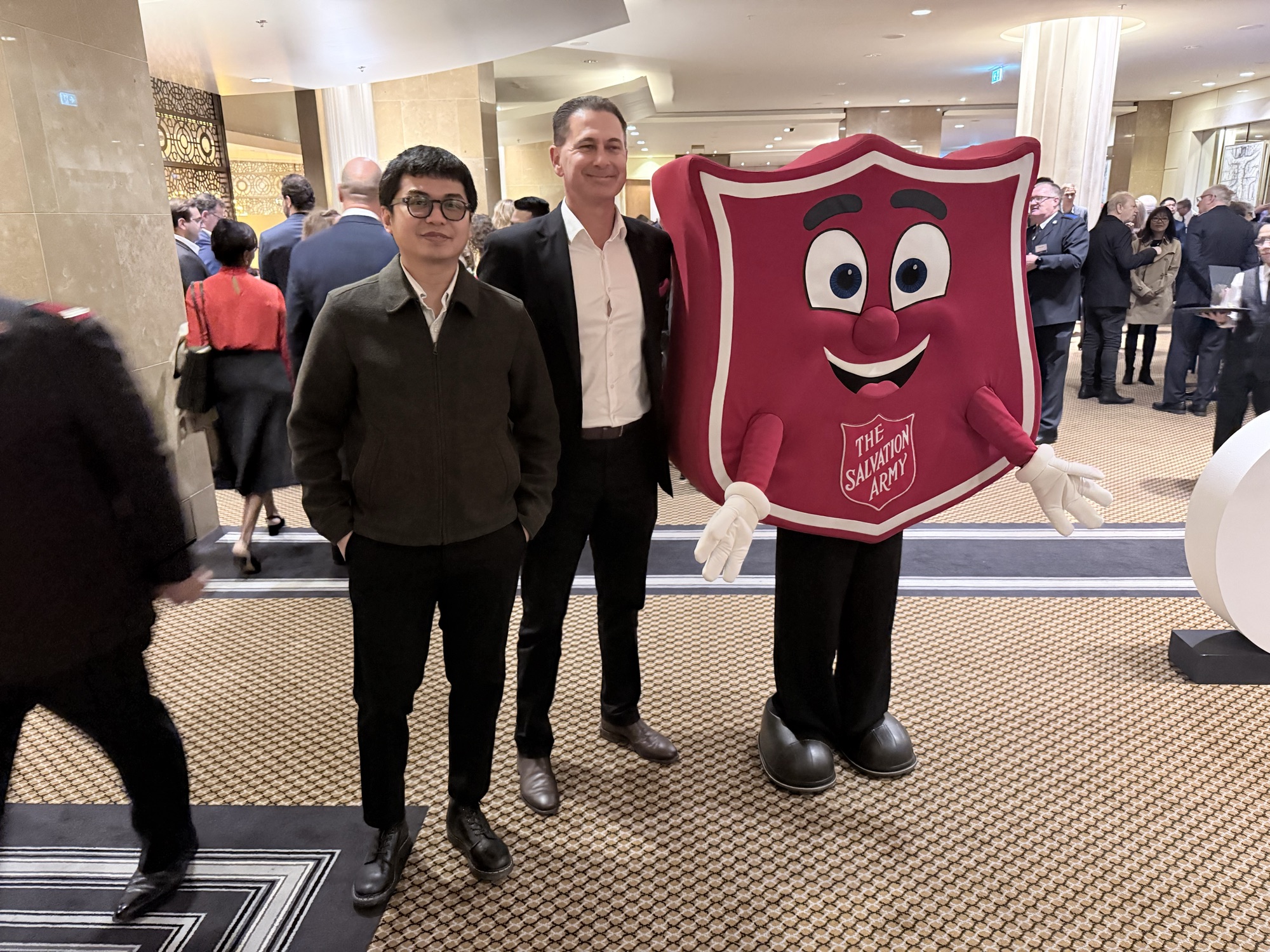
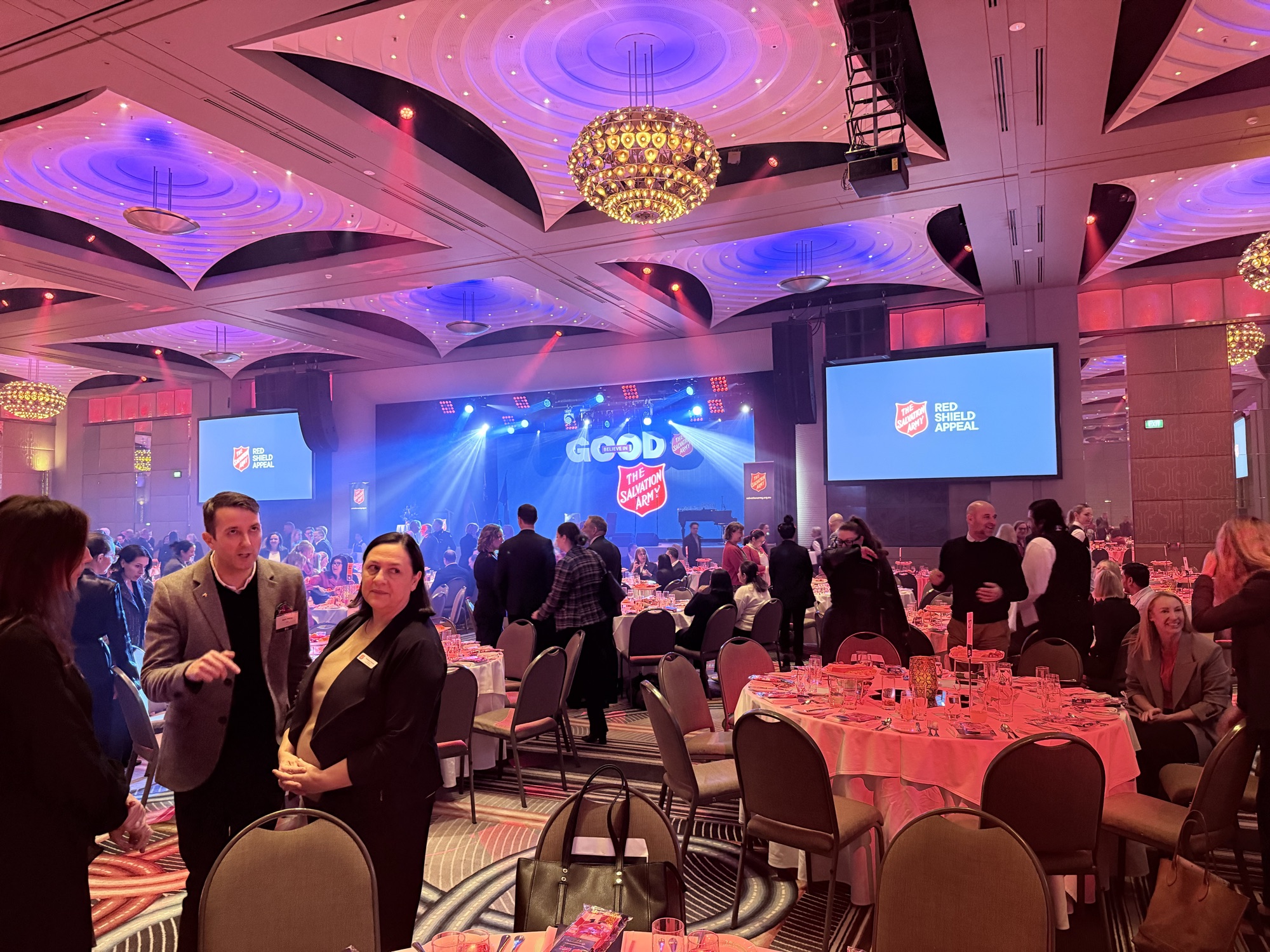
The Red Shield Appeal, Melbourne 2026. The wall ran on the main screens all night. That’s me on the left, with Charles Elena.
What I took away
On a project like this it’s tempting to make it look beautiful first. And the grid and the animation do look nice, but that’s not really what made it work.
What made it work was the census data. When a donor looked at the wall, they weren’t seeing a stock-photo version of homelessness. They were seeing an accurate picture of the people their money was actually reaching. I think that’s why it hit people the way it did.
The bulk generator happened by accident. I only built it to solve my own problem, and now Charles Elena uses it on other client projects. I didn’t realise I was building a product until it was already done.
I’d love to do more installation work like this. If you’re running an event and want something on the screen that people actually interact with, get in touch.